
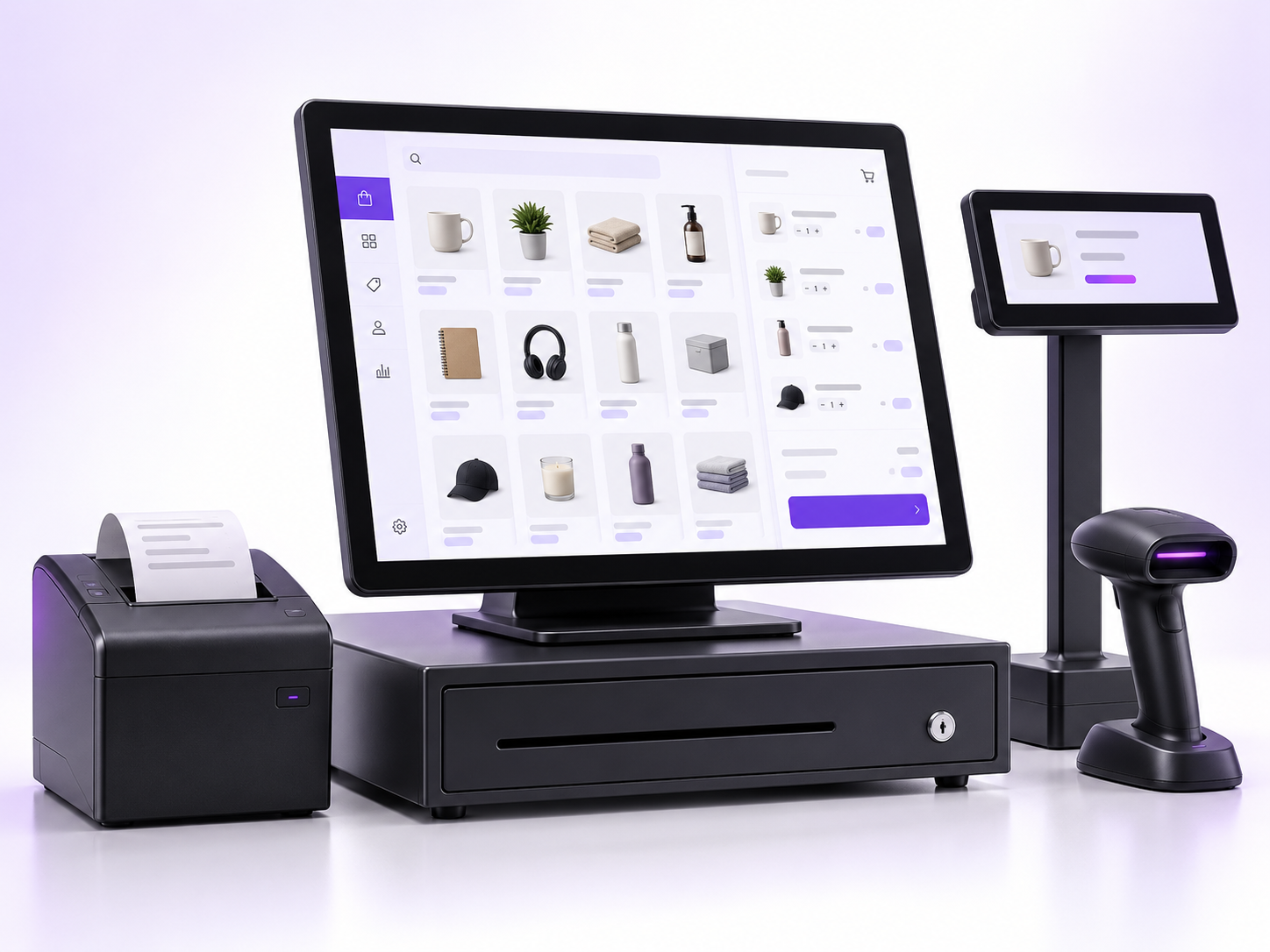
Counter POS
For a dedicated checkout desk in retail stores and showrooms.
How teams use it
- +Product lookup and barcode scanning
- +Basket and payment review
- +Receipt printing and customer checkout
Exbizo POS
Explore fixed counter, handheld and tablet POS options for stores, showrooms and service counters.
Discuss your POS setup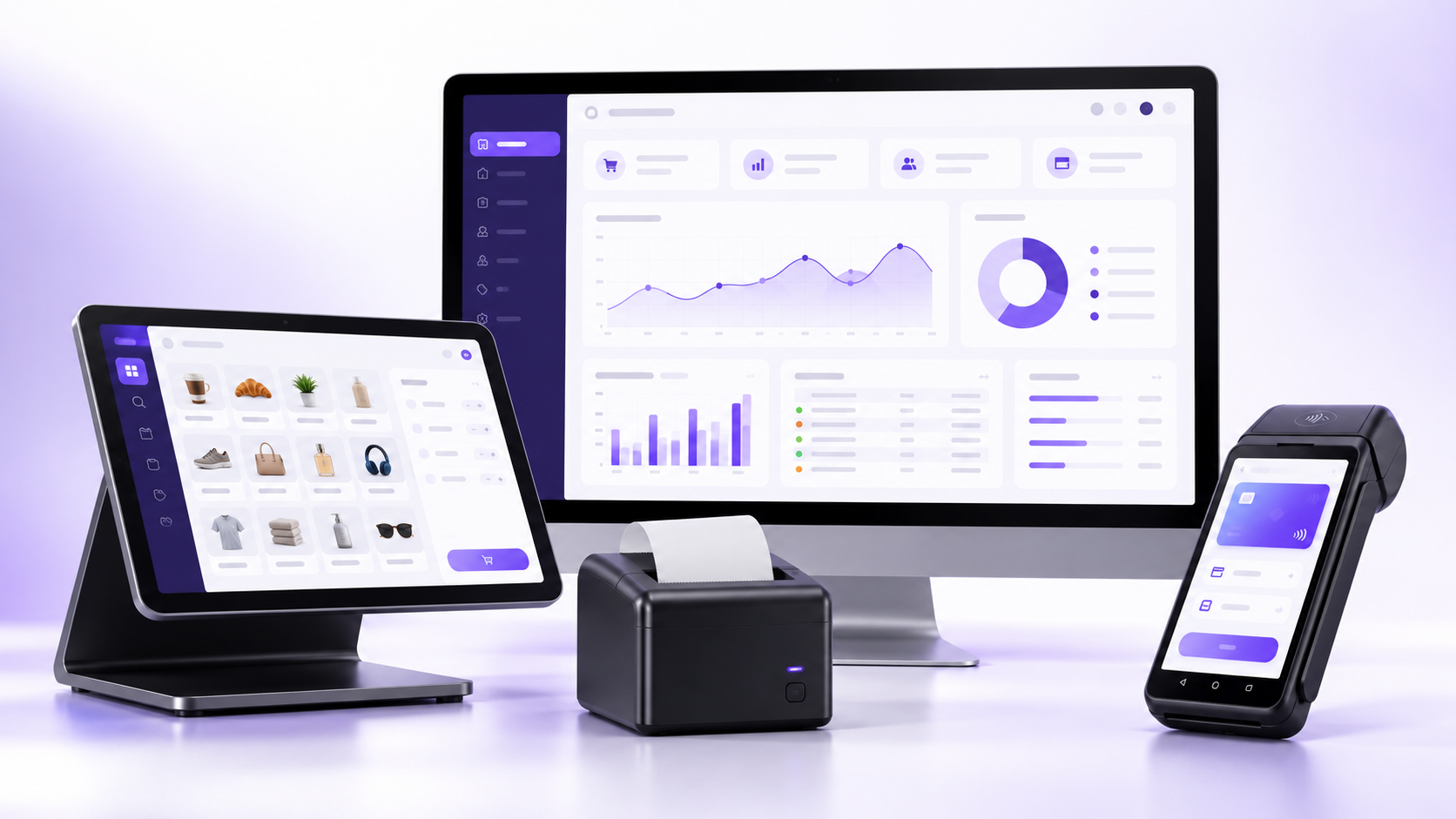
Choose your setup
The device is only one part of the solution. Choose a checkout workflow that suits your space, staff and sales volume.
For a dedicated checkout desk in retail stores and showrooms.
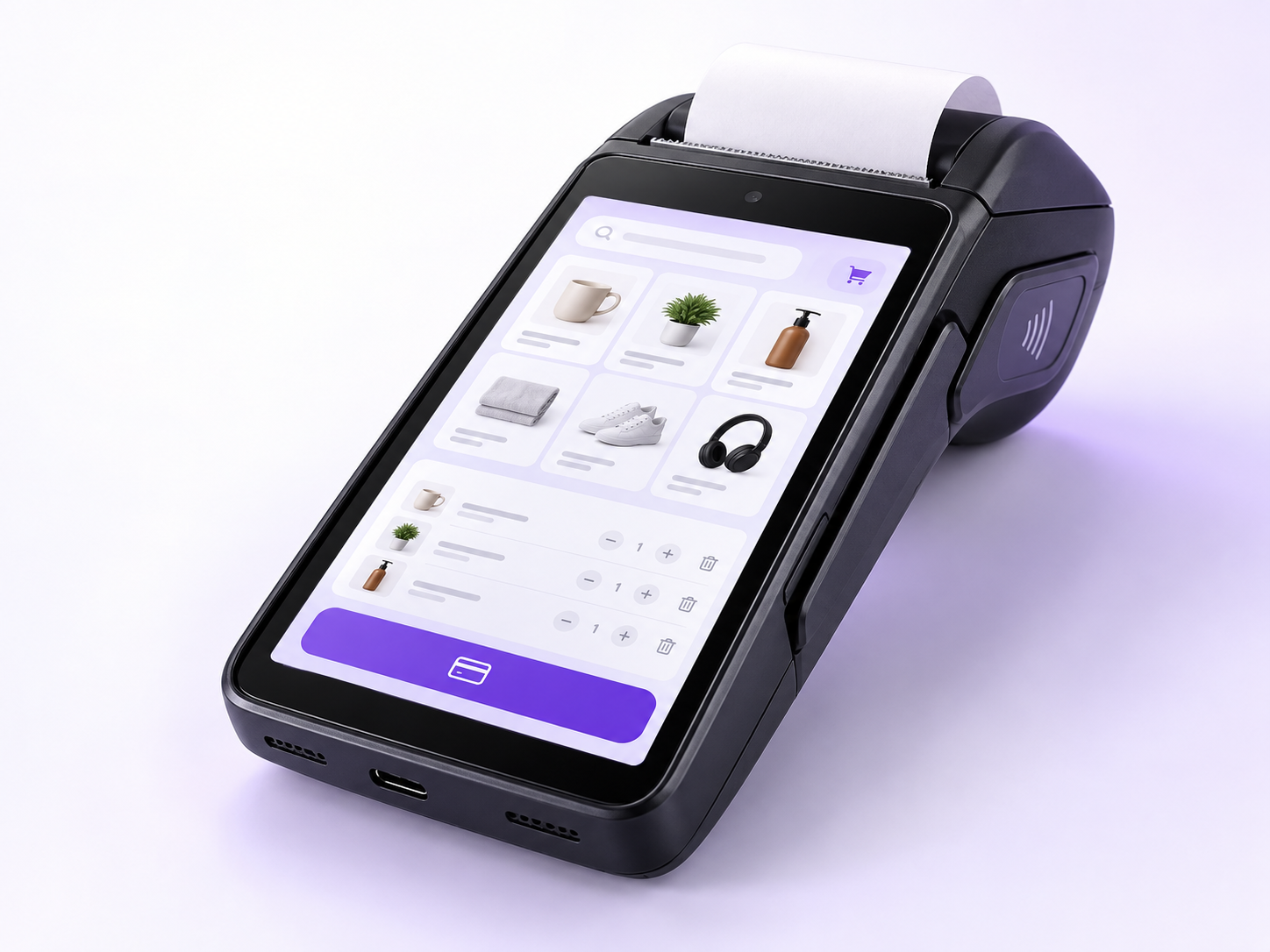
For mobile selling, queue support and service away from a fixed counter.
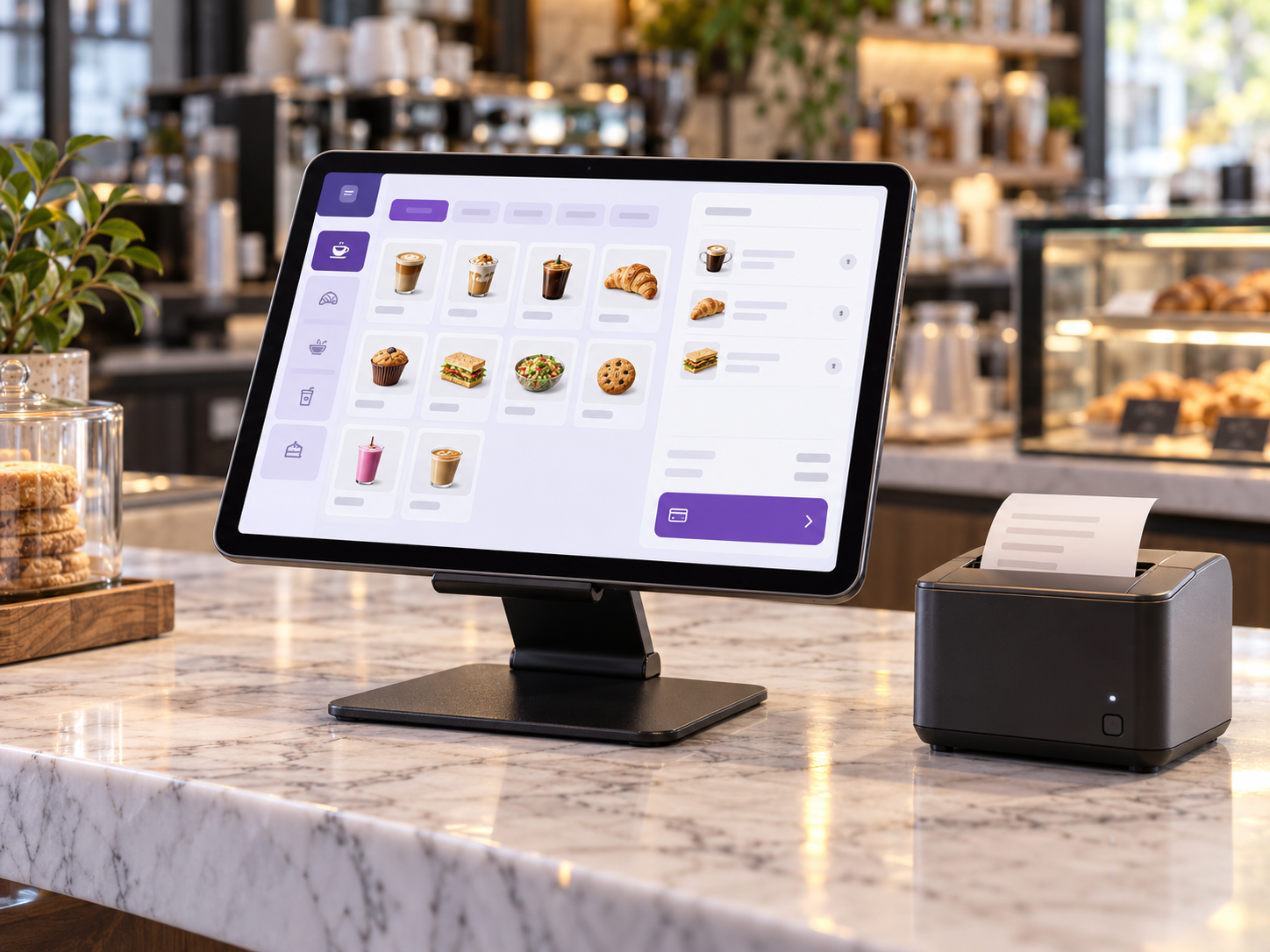
For a flexible counter layout in cafes, pop-ups and smaller stores.
Planning your POS
We can discuss barcode scanners, printers, payment terminals, customer displays and device form factors as part of your setup.
Device compatibility, payment integration and receipt options depend on the hardware and providers selected. We confirm those details before implementation.
Request a POS demo